
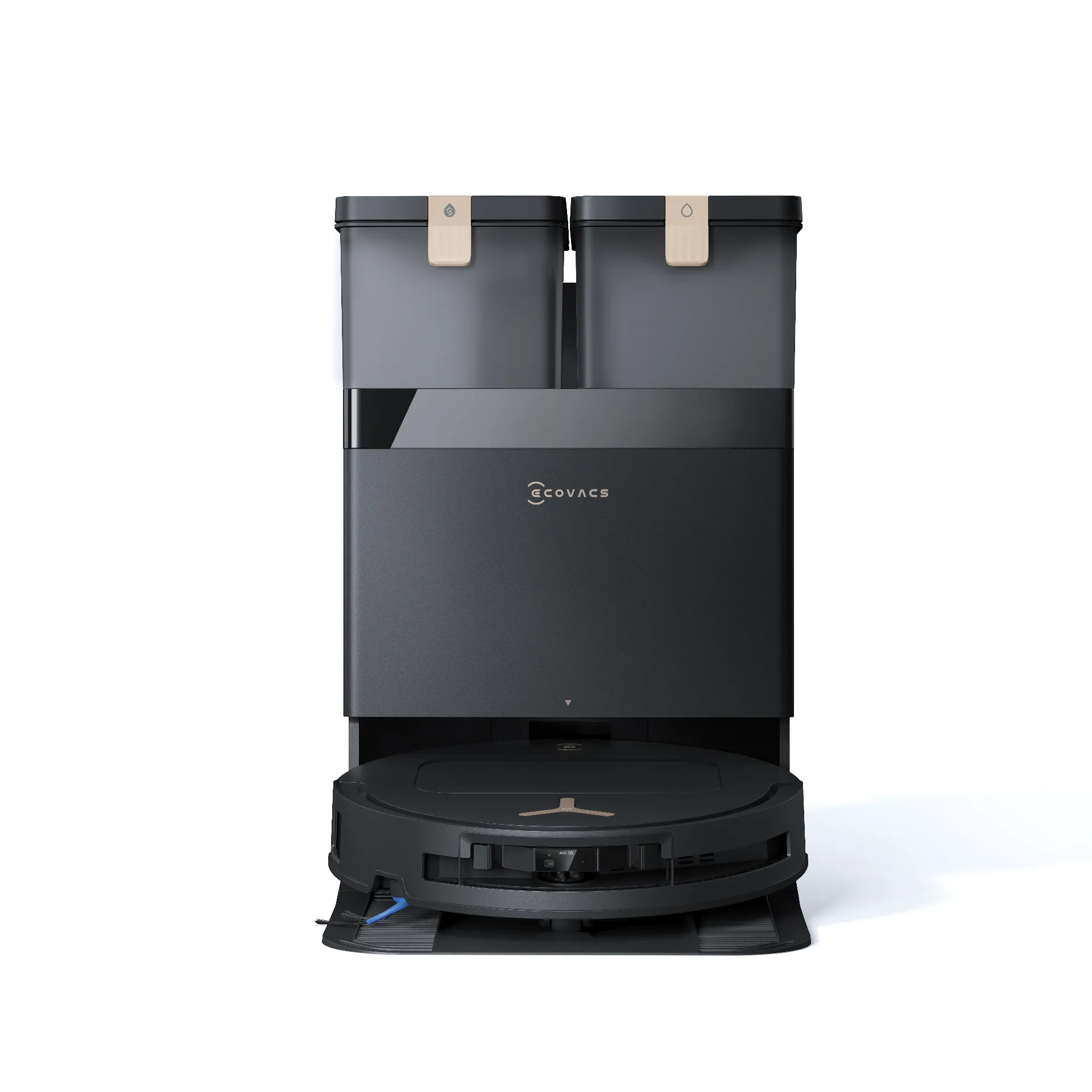
DEEBOT T50S PRO OMNI Black
ECOVACS Ultra-thin Full-coverage Cleaning DEEBOT
Subscribe now to receive our Usage Guide that helps you learn more about how to use your DEEBOT! Also be the first one to know about our deals.
1 How to install the robot
2 Robot Packing Instruction Video
3 How to Properly Charge the Robot and Explanation
4 How to solve the issue of the robot is not charg
5 How to Replace the Auto Empty Dust Bag
6 How to Add Cleaning Solution
7 The APP alert Cleaning Solution Level is Low
08 How to Creating a Map
09 How to Use the Mopping Function
10 Disassembly, Cleaning, and Installation of Side Brushes
11 Disassembly, Cleaning, and Installation of the Main Brush
12 Disassembly, Cleaning, and Installation of the Anti Tangle Comb
13 Disassembly, Cleaning, and Installation of the Dustbin
14 How to Resolve the Alert Anti drop Sensors Malfunction, Please Clean It
15 How to Resolve the Alert Clean Water Tank Not Installed or Clean Water Tank Empty
16 How to Resolve the Alert Dirty Water Tank Not Installed or Dirty Water Tank Is Full
17 How to Resolve the issue of clean water tank is not dispensing water
18 Disassembly, Cleaning, and Installation of the Mop Plate
19 How to Resolve the Alert Driving wheels is stuck, Please Check
20 How to Resolve the Alert Bumper is stuck
21 How to Install and Remove the Station Base Ramp
22 How to Clean the Washing Tray
23 How to Resolve the Alert Cleaning Sink Malfunction
24 How to Resolve the Alert Navigation Module Malfunction
25 Wi Fi Connection Guide
26 How to resolve the issue of the mop Plate not extending
27 How to Resolve the Alert Dust Bag Installation Abnormal
28 How to Resolve the issue of Occasionally Unable To Avoid Obstacles
Quick Start Guide
DEEBOT T50S Family QSG EN.jpg